

Input Lag vs Response Time vs Refresh Rate: What Actually Changes Gaming Responsiveness
A systems-level explanation of the complete input-to-photon path, why a 1 ms response-time label is not a 1 ms input-lag measurement, and how refresh rate, frame rate, scanout, processing, pixels, and VRR interact.
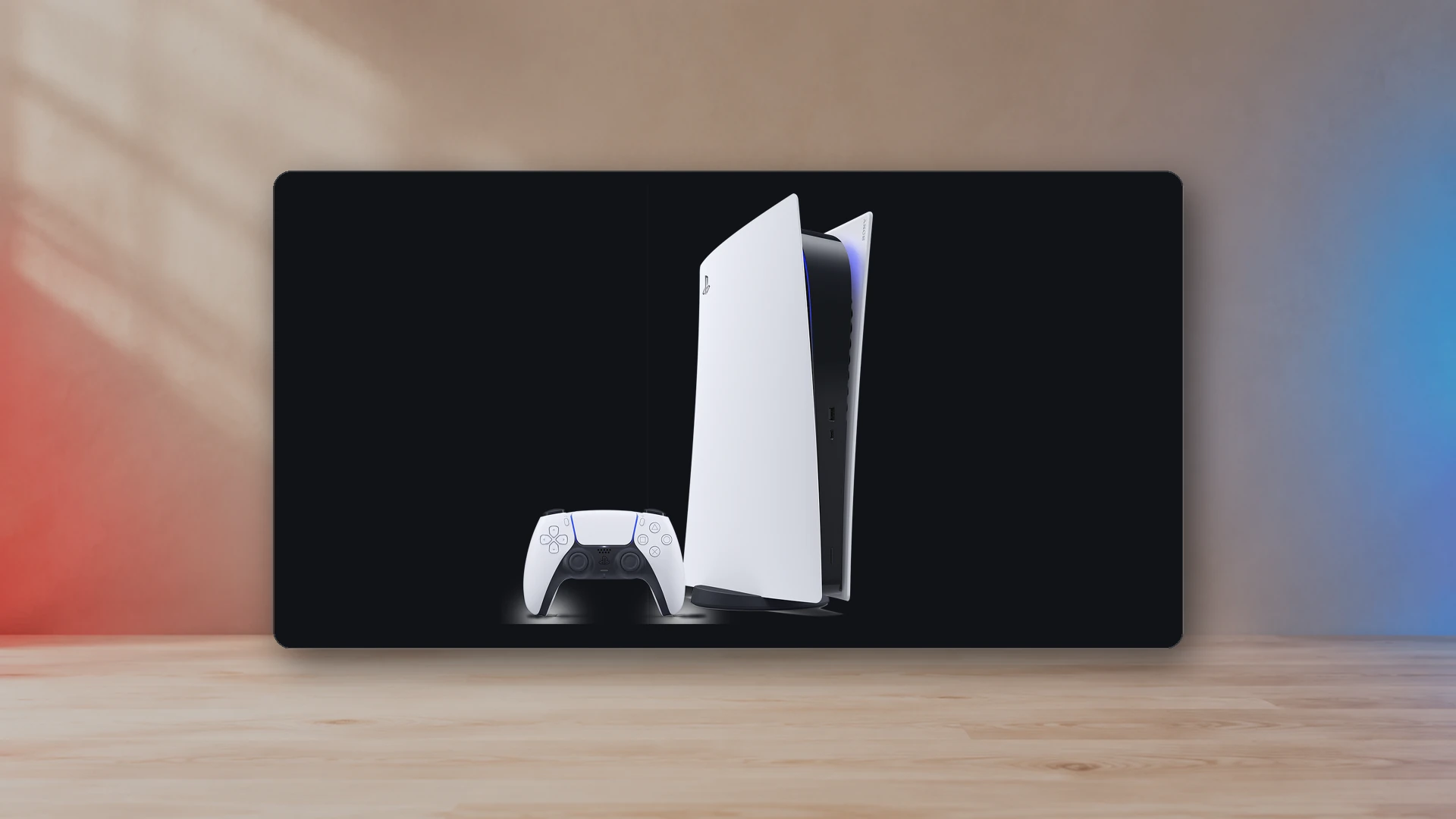
Input lag, response time, refresh rate, frame rate, and motion clarity describe different parts of the gaming pipeline. They influence one another, but they are not interchangeable. A monitor advertised as “1 ms” can still have meaningful input delay. A 240 Hz display can still show blur. A game running at 120 frames per second can still feel inconsistent when frame times vary.
The useful model is input-to-photon latency: the time between an action and the corresponding visual change. That path includes the controller, operating system, game logic, CPU and GPU rendering, frame queue, cable transport, display processing, panel scanout, and pixel transition. Product marketing usually highlights only one stage.
The input-to-photon chain
- Controller sampling: the controller and host report the input.
- Game processing: the engine reads input, simulates the next state, and prepares rendering work.
- Frame rendering: the CPU and GPU produce the next image.
- Queue and synchronization: buffering, V-Sync, frame caps, and render queues decide when the frame can be presented.
- Transport: HDMI or DisplayPort sends the frame to the display.
- Display processing: scaling, tone mapping, motion interpolation, local dimming, and other processing can add delay.
- Scanout and pixel transition: the panel refreshes across the screen and the pixels change toward their new values.
What input lag means
Display input lag is the delay from a signal arriving at the display to the corresponding image beginning or reaching a defined point on the screen. Measurement methods differ, so two published numbers are comparable only when the test position, signal, refresh rate, mode, and method are similar.
Televisions often reduce lag in Game Mode by bypassing or simplifying video processing. HDMI’s ALLM feature lets a source request that low-latency mode automatically. ALLM is a mode-switching signal, not a latency certification.
Lag can also vary by resolution and refresh rate. A television may process 1080p, 1440p, and 4K differently. Measure or review the exact mode you plan to use rather than relying on one best-case number.
What pixel response time means
Pixel response time describes how quickly a pixel changes from one value to another. Gray-to-gray measurements use selected transitions between luminance levels. The fastest transition is not the average transition, and an aggressive overdrive setting can reach a target quickly while overshooting it and creating inverse ghosting.
This is why the “1 ms” label on a box is incomplete. It may represent one transition, one overdrive mode, a moving-picture metric, or a measurement threshold that does not describe visible artifacts. VESA created ClearMR because a single time-based figure does not fully represent motion blur and overshoot behavior.
Slow transitions create smearing even when input lag is low. Fast but badly controlled transitions create bright or dark trails. The best mode balances transition speed and overshoot across the refresh rates you actually use.
What refresh rate changes
Refresh rate is the number of display refresh cycles per second. One refresh lasts approximately:
| Refresh rate | Time per refresh |
|---|---|
| 60 Hz | 16.67 ms |
| 120 Hz | 8.33 ms |
| 144 Hz | 6.94 ms |
| 165 Hz | 6.06 ms |
| 240 Hz | 4.17 ms |
A higher refresh rate creates more frequent opportunities to show a new frame and reduces sample-and-hold blur when frame rate rises with it. It does not force the game to render faster. A 120 Hz signal carrying a 40 fps game still contains 40 unique game frames per second.
Frame rate and frame time
Frame rate is an average count. Frame time is the duration of each individual frame. A nominal 60 fps corresponds to 16.67 ms per frame, but a sequence of 8 ms, 8 ms, 34 ms, and 16 ms frames will not feel like a perfectly even 60 fps presentation.
Consistent frame pacing often feels better than a higher average with frequent spikes. VRR can align display refreshes with varying frame completion times, reducing tearing and some cadence judder, but it does not remove the delay of a slow frame.
Scanout and where a measurement is taken
Most displays update progressively rather than changing every pixel at the same instant. The top of the screen can begin showing a frame before the middle and bottom. At 60 Hz, the difference between top and bottom scanout can approach one refresh interval; at 120 Hz it is roughly half as long.
That is why a latency result measured at the top, center, or bottom is not the same number. Review sources should state the measurement position or describe a standardized method.
Why 120 Hz can reduce latency at 60 fps
A 60 fps game can sometimes benefit from a 120 Hz output container because each repeated frame is scanned more quickly and the display may use a lower-latency processing path. The game’s rendering delay does not disappear, but transport and scanout can be shorter. The exact result depends on the game and display.
HDMI Quick Frame Transport addresses the transport portion by sending the active image faster. QFT support must exist in the source and display path; a product having an HDMI port does not prove that it implements every optional feature.
VRR, V-Sync, tearing, and latency
Without synchronization, the source can begin transmitting a new frame during scanout, creating a tear line. Traditional V-Sync waits for a presentation opportunity, which can add queueing delay when the game misses its timing. VRR allows the display refresh interval to adapt within a supported range.
For low latency, use a sensible frame cap within the VRR range, avoid unnecessary render queueing, and test whether the game’s low-latency option interacts correctly with the driver or console. There is no universal cap that applies to every engine.
Motion clarity is more than response time
On sample-and-hold displays, the eye tracks a moving object while each frame remains visible for most of a refresh. That tracking creates perceived blur even when the pixel transition is fast. Higher refresh rate, higher frame rate, and well-implemented backlight strobing can improve clarity. Strobing can reduce brightness, introduce flicker, or conflict with VRR.
OLED’s fast pixel transitions reduce transition blur, but sample-and-hold blur still exists. LCD panels can be clear when overdrive is well tuned and the refresh rate is high.
How to read monitor specifications
- Look for independent input-lag measurements in the exact resolution and refresh mode.
- Review response-time charts across many transitions, not only the fastest result.
- Check overshoot or inverse-ghosting behavior.
- Confirm performance across the VRR range, not only at maximum refresh.
- Check whether the low-latency mode disables local dimming, HDR processing, or other desired features.
- Separate native refresh rate from interpolated motion-rate marketing.
Practical priorities by use case
Competitive play
Prioritize stable frame time, a high refresh rate the system can sustain, low processing delay, controlled response behavior, and a mode that does not produce severe overshoot.
Console gaming
Prioritize correct HDMI support for the intended resolution, 120 Hz, VRR, HDR, and ALLM. Follow the PS5 120 Hz, VRR, and HDR setup guide for a complete signal-path check.
Cinematic single-player games
Consistent frame pacing, HDR quality, contrast, and low enough lag matter more than chasing the highest refresh number. A stable 40 fps mode in a 120 Hz container can be a strong compromise when a game supports it.
Resolution, screen size, and viewing distance
Higher resolution does not directly reduce input lag, but it can increase rendering load. Use the Display PPI and Viewing-Distance Calculator to see how pixel density and pixels per degree change at your actual distance. Then use the Gaming Monitor Buying Guide to choose the connection and feature set.
Bottom line
Input lag tells you when the display responds. Response time tells you how the pixels transition. Refresh rate tells you how frequently the panel can present. Frame time tells you how quickly and consistently the game creates frames. Motion clarity reflects all of those factors plus presentation behavior. Evaluate the chain, not the largest number printed on the box.
Sources
- HDMI Quick Frame TransportHDMI Licensing Administrator
- HDMI Auto Low Latency ModeHDMI Licensing Administrator
- HDMI Variable Refresh RateHDMI Licensing Administrator
- VESA ClearMR compliance programVideo Electronics Standards Association · 2022-08-22

Harry Negron
Harry Negron leads NexusArc's editorial direction across games, player culture, gear, and technology.