

2.0 vs 2.1 Speakers for Gaming: Which Setup Is Better?
A practical decision guide for choosing stereo desktop speakers or a 2.1 system with a subwoofer based on the room, desk, games, and listening habits.
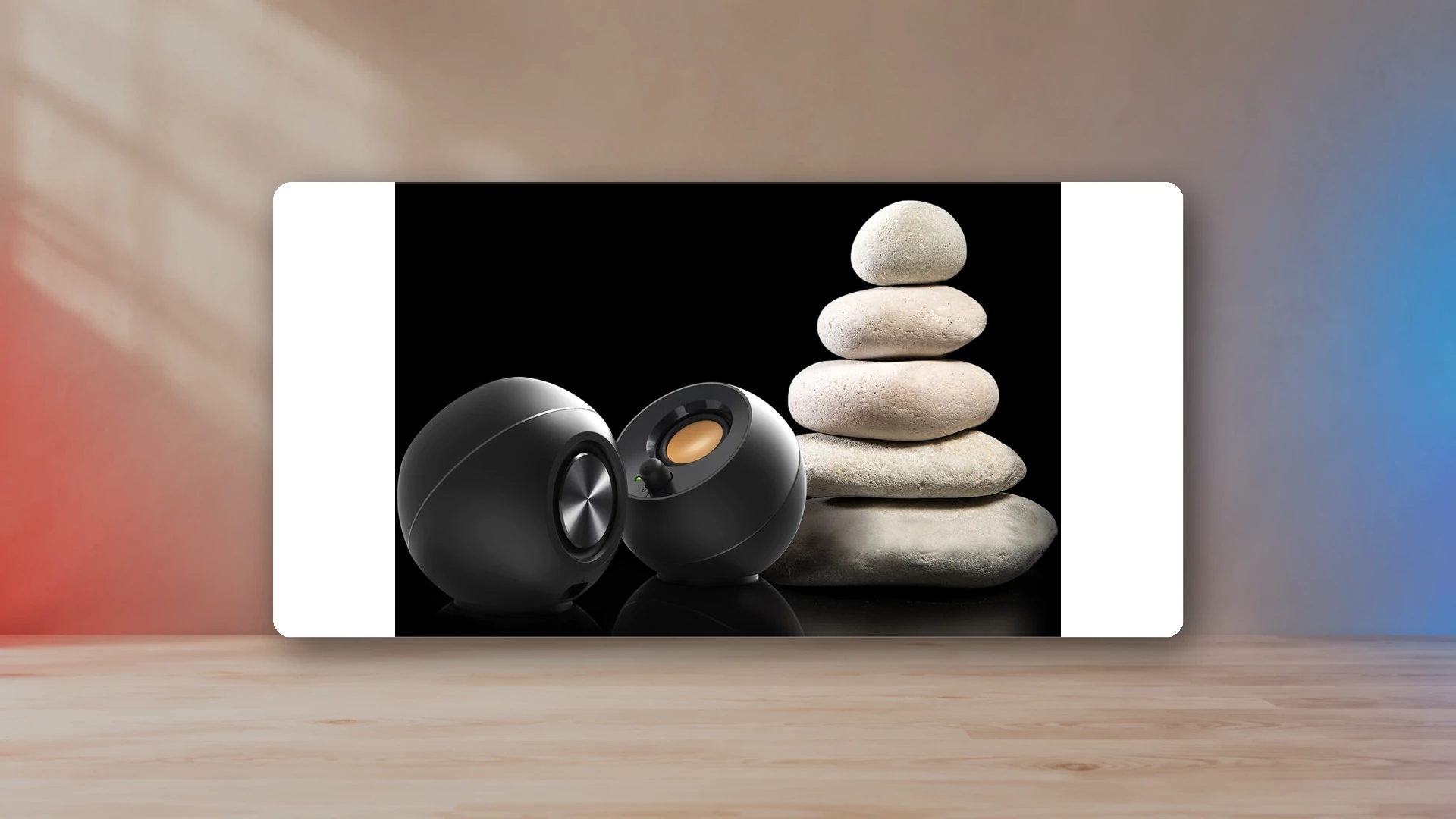
A 2.0 speaker system uses a left and right speaker. A 2.1 system adds a subwoofer. The subwoofer can make games and movies feel larger, but it does not automatically improve positioning, dialogue, or overall clarity. For many desks, a well-placed 2.0 pair is the better starting point.
What changes when a subwoofer is added?
The left and right speakers in a 2.1 system handle most of the audible range, while the subwoofer covers lower frequencies. That lets the small satellites focus less on bass and allows low-frequency effects to come from a larger driver and cabinet.
The result can be more impact from engines, explosions, cinematic scores, and electronic music. The result can also be boomy or uneven if the subwoofer sits in a corner, under a hollow desk, or near a listening position where room cancellation removes part of the bass.
Gaming positioning: 2.0 has the simpler advantage
Stereo direction comes from the left and right speakers, not the subwoofer. A properly spaced 2.0 pair can create precise left-right placement for dialogue, movement, environmental cues, and music. A 2.1 system can do the same if its satellites are positioned well, but the subwoofer itself does not improve directional accuracy.
For competitive games, headphones often provide stronger isolation and more consistent positional cues than either speaker format. For casual multiplayer and single-player games, speaker placement matters more than the presence of a subwoofer.
Bass impact: 2.1 wins when the room allows it
A dedicated subwoofer has a larger enclosure and can move more air than compact desktop satellites. That is the main reason to choose 2.1. The difference is most obvious in racing games, action games, movies, and music with sustained low-frequency content.
In an apartment, dorm, or late-night setup, the same advantage can become a problem. Bass passes through floors and walls more readily than dialogue or high-frequency detail. Turning down a subwoofer may remove the feature you paid for.
Desk space and cable routing
| Consideration | 2.0 | 2.1 |
|---|---|---|
| Desk footprint | Two cabinets on the desk. | Two satellites on the desk plus a subwoofer elsewhere. |
| Floor space | None required. | Usually required. |
| Cables | Power, source, and inter-speaker cable. | Additional subwoofer connection and placement. |
| Bass control | Limited by the main cabinets. | Often adjustable separately. |
| Neighbor impact | Easier to control. | Low frequencies travel farther. |
| Upgrade path | Some pairs include a subwoofer output. | System is normally fixed around its included subwoofer. |
When 2.0 is the better choice
- The desk is small or shallow.
- The setup is in an apartment, bedroom, dorm, or shared room.
- Music, dialogue, and general PC use matter as much as game effects.
- The user wants fewer cables and easier device switching.
- A later subwoofer upgrade is possible through a dedicated output.
Compact models such as the Creative Pebble Pro and Edifier M60 fit this approach, while the Edifier MR4 and R1280DB use larger cabinets for a wider desk or shelf. The small gaming desk guide compares their physical footprints.
When 2.1 is the better choice
- Action games and movies are the main use.
- The room can tolerate stronger bass.
- The subwoofer has a stable position away from foot traffic.
- The user is willing to route additional cables.
- The system will remain in one location.
Creative Pebble Plus is the inexpensive compact example. Logitech Z407 adds USB, Bluetooth, AUX, and a wireless control dial. The budget speaker guide places both against 2.0 and soundbar alternatives.
Can a 2.0 pair add a subwoofer later?
Only when the speakers provide a subwoofer output or when the audio chain can split and manage the signal correctly. A random Y-cable is not a complete crossover system. The subwoofer needs a suitable input, and the main speakers may continue playing full-range unless the source or subwoofer handles filtering.
If a future subwoofer is important, confirm the output and crossover behavior before buying the 2.0 pair.
Placement starting points
For 2.0
Place both speakers at similar distances from the listening position. Aim them toward ear level and avoid blocking one side with a monitor. Start with enough wall clearance for the port design.
For 2.1
Set the satellites as a normal stereo pair. Place the subwoofer on the floor near the desk, then test several positions. Move it away from a corner if bass becomes exaggerated. Keep the level low enough that bass supports the satellites rather than drawing attention to the subwoofer’s location.
What about a soundbar?
A soundbar combines its main speakers in one cabinet instead of using a separate left and right desk pair. Models with a separate subwoofer add dedicated low-frequency output. It saves side space but reduces physical stereo separation. The Sound Blaster GS5 is useful when the monitor leaves room below but not at the sides, especially in a combined PC and PS5 setup.
Final decision
Start with 2.0 unless you can name the specific reason you need a subwoofer. Choose 2.1 when bass impact is central to the experience and the room can support it. For price-based options, use the PC speakers under $100 guide; for a console connection plan, use the PS5 speaker guide.
Continue the gaming-audio setup
Sources
- Creative Pebble official specificationsCreative Labs
- Creative Pebble Plus official specificationsCreative Labs
- Logitech Z407 official product informationLogitech
- Edifier MR4 official specificationsEdifier USA

Harry Negron
Harry Negron leads NexusArc's editorial direction across games, player culture, gear, and technology.