

PC Speakers vs Soundbar vs Gaming Headset: Which Is Best for Gaming?
A decision guide for choosing open-room speakers, a compact soundbar, or private headset audio around the way and place you actually play.
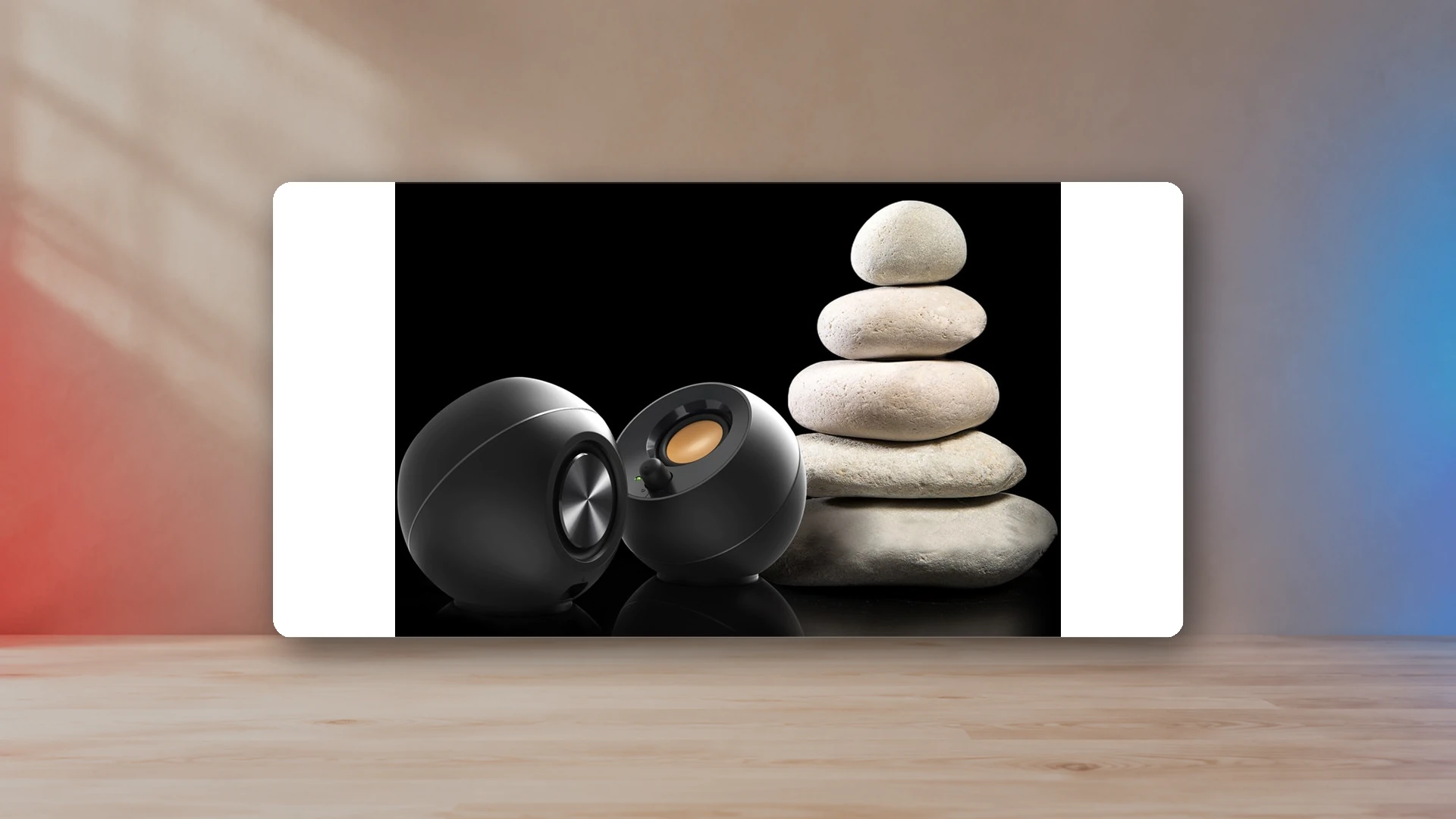
PC speakers, a soundbar, and a gaming headset can all produce good game audio, but they solve different problems. Speakers are the strongest default when you want a natural stereo image and do not need privacy. A soundbar is the space-saving choice when the monitor stand leaves no room at the sides. A headset is the practical choice for voice chat, late-night play, shared rooms, and competitive sessions where outside noise would be distracting.
| Priority | Best format | Why | Main compromise |
|---|---|---|---|
| Natural stereo image | Two speakers | Physical left and right channels can be placed around the display. | Everyone in the room hears them. |
| Minimum desk width | Soundbar | One cabinet can sit below a monitor or television. | Less physical left-right separation. |
| Voice chat | Gaming headset | Headphones and microphone are combined in one device. | Heat, clamp, and isolation during long sessions. |
| Late-night play | Gaming headset | Game audio stays private and bass does not travel through the room. | No shared listening. |
| Music and casual PC use | Two speakers | No device must be worn, and the system is easy to share. | Needs symmetrical desk space. |
| TV and console setup | Soundbar or speakers | Both can use the display as the audio hub when the correct output exists. | Connection options vary by display. |
Choose by the room before comparing specifications
The room decides more than a power rating. In a private office, open speakers can stay connected all day and serve games, music, calls, and video. In a bedroom or shared apartment, a subwoofer may be technically impressive but socially impractical. In a living-room console setup, the display usually becomes the audio switcher, so optical, HDMI ARC, or the television’s analog output matters more than a USB-only desktop connection.
A headset avoids most room problems, but it introduces comfort and communication questions. Ear-cup depth, clamp, microphone monitoring, wireless battery life, and the way the headset behaves when it loses power become part of the buying decision.
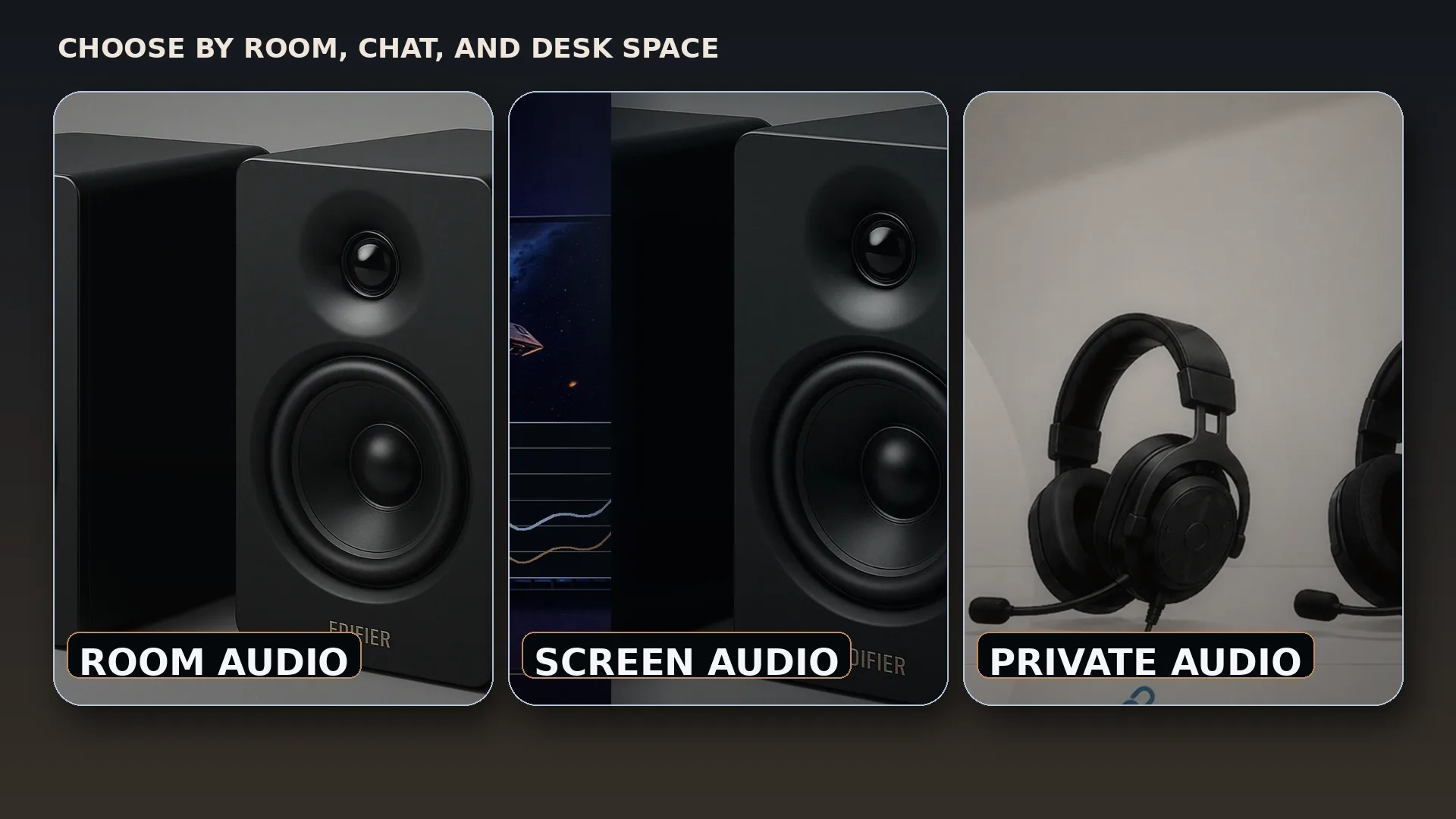
PC speakers: the best all-day desktop option
A left and right speaker pair creates stereo by placing each channel in a real physical position. That makes voices, music, interface sounds, and environmental effects feel less trapped inside the head than they do with headphones. Speakers also let you move around the room without wearing anything and make it easier to share a game, video, or music session.
The desk must support the layout. Both speakers should have a clear path to the listener, similar distance from the chair, and enough clearance from the monitor and wall. A pair hidden behind an ultrawide panel will not provide the benefit that justified buying separate cabinets. The gaming-speaker placement guide explains the practical geometry.
Two speakers are also easier to upgrade than a one-piece soundbar. You can add stands, improve the source connection, or replace the pair without replacing a microphone. A powered pair such as the Edifier M60 is self-contained, while larger bookshelf designs can provide more cabinet volume and inputs.
Soundbars: the answer to blocked side space
A soundbar is useful when a monitor arm, dual-screen arrangement, or narrow desk leaves one continuous strip of space below the display but no symmetrical space beside it. A model such as the Sound Blaster GS5 provides USB audio, optical, AUX, and Bluetooth in one cabinet and can serve both a PC and compatible console or display path.
The main compromise is geometry. Even a wide soundbar keeps the left and right drivers closer together than two separately positioned speakers. That can make the stereo stage feel narrower at a desktop listening distance. Soundbars also vary widely in their connection strategy. A television-oriented bar may expect HDMI ARC, while a desktop bar may use USB and optical. Check the source before assuming the cable in the box will work.
Gaming headsets: privacy, chat, and consistent positioning
A headset follows your head, so left and right channels remain consistent when you lean back or turn away from the monitor. It also isolates game audio from the room and usually includes the microphone needed for party chat. Those advantages make a headset the most reliable choice for a dorm, shared apartment, late-night session, or competitive match.
The tradeoff is physical. Clamp force, heat, pad material, glasses, and the weight of a wireless battery can matter more after two hours than the advertised frequency range. Wireless models also add charging and radio compatibility. A wired model is simpler, but the cable must reach the controller, front-panel jack, or audio interface without dragging across the desk.
Use the gaming-headset guide when voice chat and private listening are the main requirements.
Competitive gaming
Competitive play does not automatically require one format. A headset blocks room noise and keeps quiet details close to the ear, which is useful in a busy space. Properly placed speakers can still present strong left-right positioning, especially in a quiet room, but they cannot prevent a microphone from picking up game audio. Players who use open speakers and voice chat may need a directional microphone, lower speaker volume, echo cancellation, and careful microphone placement.
Virtual surround labels should not replace basic setup. Accurate channel balance, low noise, sensible volume, and a stable connection matter first. For headphones, platform-specific spatial processing can be useful, but it should be evaluated with the games you actually play rather than enabled because a box promises more channels.
Single-player games, movies, and music
Speakers are usually the most relaxed choice for long single-player sessions because they do not touch the head and can create a broader front image. A 2.1 system adds physical low-frequency output for engines, explosions, and scores, although the subwoofer can disturb adjacent rooms. The 2.0 versus 2.1 guide covers that tradeoff.
A soundbar works well when the display is also used for films and streaming. A headset remains useful when the game includes detailed binaural audio or the room must stay quiet. Owning two formats is often more practical than trying to force one device to do everything: speakers for normal use and a headset for chat or late hours.
Connection planning for PC and console
- USB: convenient for PCs and some console-compatible desktop devices, but compatibility must be confirmed.
- 3.5 mm AUX: flexible when the monitor, television, controller, dock, or PC exposes an analog output.
- Optical: useful on televisions and some displays or extractors, especially for soundbars and powered speakers.
- Bluetooth: convenient for phones and casual playback, but not the first choice for latency-sensitive play.
- HDMI ARC/eARC: common on television soundbars and receivers, uncommon on compact PC speakers.
For PlayStation-specific routing, use the PS5 speaker connection guide. The console sends its normal display audio over HDMI, so the television or monitor often determines which speaker connection is available.
Total cost means more than the main device
A speaker pair may need stands, a longer cable, an optical converter, or a separate microphone. A soundbar may need an HDMI or optical path that the monitor does not provide. A headset may need replacement pads, a USB adapter, or a charging stand. Compare the complete working setup, not only the price of the central product.
Start with the format that fits the room
These links lead to representative speaker, soundbar, and headset coverage. Availability and price can change.
Final recommendation
Choose speakers when you have a quiet room, symmetrical desk space, and want the best everyday experience without wearing hardware. Choose a soundbar when the only practical location is under the screen or the same audio device must serve a television-style setup. Choose a headset when privacy, voice chat, and consistent positioning matter most. For many players, speakers plus one comfortable headset is the most flexible long-term setup.
Sources
- PlayStation 5 audio settings and output supportPlayStation
- Sound Blaster GS5 official specificationsCreative Labs
- Edifier M60 official specificationsEdifier USA
- Logitech Z407 official product informationLogitech

Harry Negron
Harry Negron leads NexusArc's editorial direction across games, player culture, gear, and technology.