

Best Budget PC Speakers Under $100 in 2026
Four source-backed PC speaker choices under $100, ranging from the basic Creative Pebble to a compact 2.1 system, a flexible USB-C pair, and a PS5-ready soundbar.
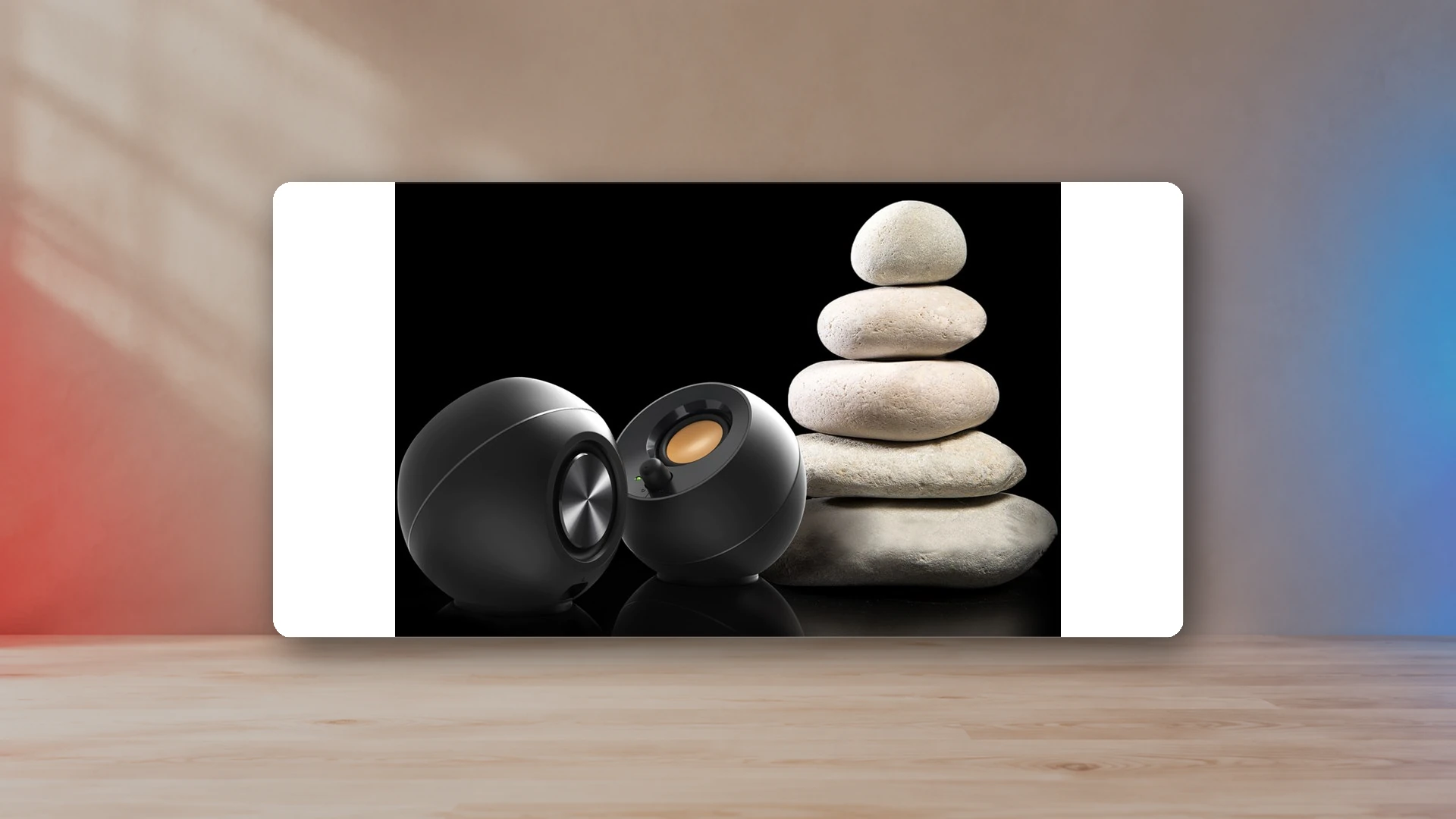
A $100 ceiling is enough to replace weak laptop or monitor audio, but the choices are not interchangeable. The original Creative Pebble is a basic analog pair, Pebble Plus adds a small subwoofer, Pebble Pro adds USB audio and Bluetooth, and the Sound Blaster GS5 uses a soundbar format with optical input and direct PS5 USB support.
The best overall choice under $100 is the Creative Pebble Pro for a normal PC desk. The lowest-cost choice is the original Pebble. Pebble Plus is the cheapest route to a dedicated subwoofer. GS5 is the better fit under a monitor or in a PC-and-console setup.
PC speaker specifications under $100
| Product | Typical Price | Format | Inputs | Rated Power | Peak Power | Frequency Low | Width | Depth |
|---|---|---|---|---|---|---|---|---|
| Creative Pebble | $24.99 | 2.0 desktop | 3.5 mm AUX; USB-A power | 4.4 W | 100 Hz | 122 mm | 115 mm | |
| Creative Pebble Plus | $54.99 | 2.1 desktop | 3.5 mm AUX; USB-A power | 8 W | 50 Hz | 122 mm | 115 mm | |
| Creative Pebble Pro | $89.99 | 2.0 desktop | USB-C audio; Bluetooth 5.3; 3.5 mm AUX | 10 W | 20 W | 80 Hz | 123 mm | 118 mm |
| Sound Blaster GS5 | $99.99 | 2.0 soundbar | USB-C audio; Bluetooth 5.3; optical; 3.5 mm AUX | 30 W | 60 W | 65 Hz | 510 mm | 82.6 mm |
How the data was assembled
Product selection combines manufacturer specifications, current US pricing, compatibility information, and published measurements. Measurements are attributed to their sources in the comparison data.
Best overall under $100: Creative Pebble Pro
Pebble Pro is the most complete desktop pair in this price range because USB-C can carry audio and power, Bluetooth 5.3 covers phones and tablets, AUX supports analog sources, and the side ports accommodate a headset and microphone. Its compact dimensions make it easier to place beside a monitor than monitor-style speakers.
The manufacturer lists US list price at $89.99.
The manufacturer lists standard RMS output at 10 W.
The speakers can use a higher-power USB-C adapter for more output, but the adapter is a separate part. This is still a compact 2.0 system, so buyers who prioritize deep bass should compare it with Pebble Plus rather than expecting the cabinet to replace a subwoofer.
Best ultra-cheap pick: Creative Pebble
The original Pebble makes sense when the goal is simply to escape the thin sound of a laptop or monitor. It uses a USB connection for power and a 3.5 mm plug for audio. There is no Bluetooth, digital audio path, or subwoofer, which also means there are fewer setup decisions.
The manufacturer lists US list price at $24.99.
The manufacturer lists listed low-frequency limit at 100 Hz.
Choose it for office work, dialogue, casual games, and background music at a close listening distance. It is not designed for a large room or bass-heavy playback.
Best inexpensive 2.1 system: Creative Pebble Plus
Pebble Plus adds a compact down-firing subwoofer to the familiar angled satellites. It is the most direct under-$100 choice for players who want more low-frequency presence in action games and movies but do not need USB audio or Bluetooth.
The manufacturer lists US list price at $54.99.
The manufacturer lists maximum RMS output at 8 W.
Maximum output requires a suitable power source and the high-gain setting. The subwoofer also adds a long cable and a second placement problem. Read the 2.0 versus 2.1 guide before buying solely for bass.
Best under-monitor and PS5 pick: Sound Blaster GS5
GS5 is wider than the Pebble pairs but only uses one cabinet. It includes USB-C audio, Bluetooth 5.3, optical input, AUX, a headphone output, an IR remote, and Creative’s near-field and far-field SuperWide modes. Creative explicitly lists PS5 compatibility through USB audio.
The manufacturer lists US list price at $99.99.
The manufacturer lists RMS output at 30 W.
Measure the gap between monitor feet before buying. A 510 mm soundbar can fit under many displays but not every narrow stand. For connection options, continue to the PS5 speaker setup guide.
Which features matter below $100?
USB audio
USB audio can reduce cable confusion and avoids depending on a monitor’s headphone output. It is especially useful on laptops, compact PCs, and supported consoles. Check whether the product uses USB only for power or for both power and audio; the distinction is easy to miss.
AUX input
A 3.5 mm input remains useful for monitors, handheld docks, older PCs, controllers, and simple device switching. It also avoids Bluetooth latency. The source device’s volume and output quality can affect the result.
Bluetooth
Bluetooth is convenient for music from a phone, but it should not be the only path for timing-sensitive games. The actual delay depends on the transmitter, receiver, codec, buffering, and software.
Subwoofer
A subwoofer can make a cheap system feel more substantial, but it is not automatically more accurate. Desk position, wall distance, floor construction, and crossover integration all affect the result.
What we would buy by setup
| Setup | Pick | Reason |
|---|---|---|
| Basic work or school PC | Creative Pebble | Low price and simple analog connection. |
| Small gaming desk | Creative Pebble Pro | Compact footprint with USB, Bluetooth, and AUX. |
| Action games and movies | Creative Pebble Plus | Dedicated subwoofer at entry-level cost. |
| PC plus PS5 | Sound Blaster GS5 | USB support, optical input, and soundbar placement. |
When it is worth spending more than $100
Spend more when you need a larger listening distance, a wider frequency range, stronger amplifier headroom, balanced inputs, optical and coaxial connections, or cabinets that can support larger drivers. The main budget speaker guide compares the Edifier MR4, M60, R1280DB, and Logitech Z407 with the sub-$100 choices.
A larger speaker is not automatically better for a small desk. If physical fit is the limiting factor, use the small gaming desk guide before upgrading.
Bottom line
Pebble Pro is the best all-around PC speaker under $100, Pebble is the strongest minimal-cost option, Pebble Plus is the inexpensive bass-first choice, and GS5 is the most flexible under-monitor and PS5 option. Prices and specifications are attributed to the manufacturer sources listed below and should be rechecked before purchase because promotions and product availability can change.
Continue the gaming-audio setup
Frequently asked questions
Are USB speakers better than AUX speakers for a PC?
USB audio can simplify setup and bypass a weak motherboard or monitor output, while AUX is more universally compatible. The better option depends on the speaker design and the devices you need to connect.
Do cheap PC speakers need a subwoofer?
No. A compact 2.0 pair is usually the cleaner choice for a small desk. Add a subwoofer when low-frequency impact matters enough to justify the extra cabinet, cable, and neighbor considerations.
Can these speakers work with a PS5?
The Sound Blaster GS5 lists PS5 USB-audio support. Other models can work through a compatible monitor or TV audio output, an HDMI audio extractor, or the controller headphone jack.
Sources
- Creative Pebble official specificationsCreative Labs
- Creative Pebble Plus official specificationsCreative Labs
- Creative Pebble Pro official specificationsCreative Labs
- Sound Blaster GS5 official specificationsCreative Labs
Harry Negron
Harry Negron leads NexusArc's editorial direction across games, player culture, gear, and technology.