

Best 1080p Gaming Monitors for 2026
Four source-backed choices from affordable IPS to premium esports, with clear evidence limits and practical setup advice.
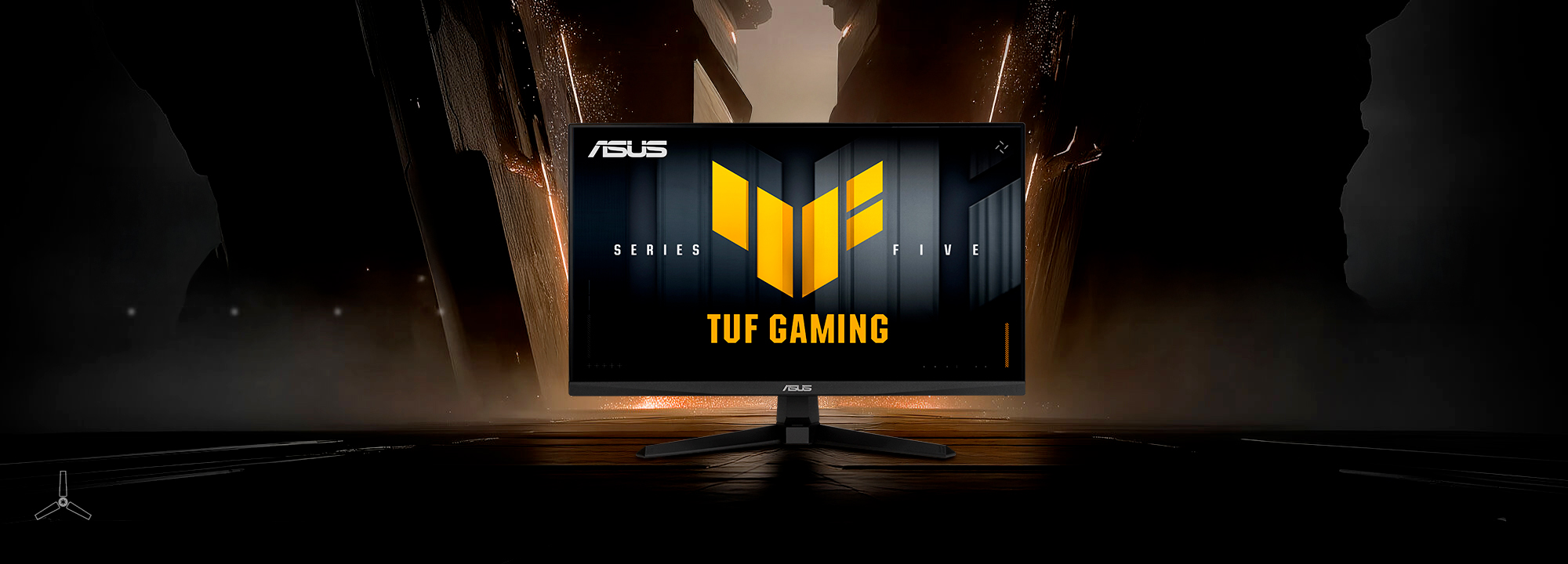
The best 1080p gaming monitor for 2026 depends on what your PC can deliver and what you value at the desk. The Alienware AW2525HM is our first comparison point for a fast, adjustable setup. The Dell SE2426HG cuts the entry cost, the ASUS VG259QMR5A offers a less expensive route to very high refresh rates, and the ZOWIE XL2546X+ is a specialist option for players who specifically want DyAc 2.
This guide targets Amazon.com shoppers in the United States. It is a research-based shortlist, not a NexusArc hands-on group test. The recommendations combine exact-model manufacturer documents, available independent reviews, and practical tradeoffs. Prices and availability change; three of the four belong in the sub-$250 comparison, while the ZOWIE is a deliberate premium exception.
The four picks at a glance
- Start here: Alienware AW2525HM. Prioritize this if you want a fast IPS display with an adjustable stand and independent review coverage.
- Lowest-cost starting point: Dell SE2426HG. Consider it when the price gap matters more than stand adjustment. This is the tilt-only HG, not the HGS.
- Lower-cost high-refresh alternative: ASUS TUF Gaming VG259QMR5A. Compare it with the Alienware if you already have a suitable monitor arm or do not need height adjustment.
- Premium esports specialist: BenQ ZOWIE XL2546X+. Choose it for its specific strobing and setup features, not simply because it costs more.
Published 1080p monitor specifications
| Product | Display Inches | Panel Type | Maximum Dp Refresh | Height Adjustment |
|---|---|---|---|---|
| Dell SE2426HG | 23.8 | IPS | 240 Hz | 0 mm |
| ASUS TUF Gaming VG259QMR5A | 24.5 | Fast IPS | 310 Hz | 0 mm |
| Alienware AW2525HM | 24.5 | Fast IPS | 320 Hz | 110 mm |
| BenQ ZOWIE XL2546X+ | 24.1 | Fast TN | 280 Hz | 155 mm |
The table contains published specifications, not measured response times. ASUS's maximum requires overclocking. A height-adjustment value of zero means the supplied stand does not move vertically.
Alienware AW2525HM: the first model to compare
Dell specifies a 24.5-inch Fast IPS panel, up to 320 Hz over DisplayPort, and height, tilt, swivel and pivot adjustment. HDMI tops out at 255 Hz. Those differences make the exact connection specifications more useful than a general HDMI version badge.
PCWorld's review found strong motion performance for the price but limited contrast and unimpressive HDR. Its reviewer also warned about overshoot in the fastest response-time modes. That supports choosing it for responsive PC gaming rather than buying it as an HDR showcase.
Buying rule: compare the total cost with the ASUS, including any stand or arm you would need. A small premium can be worthwhile for the Alienware's adjustment range. If your games spend most of their time far below its refresh ceiling, prioritize stable frame delivery before paying for another small Hz increase.
Dell SE2426HG: a budget entry into 240 Hz
The SE2426HG specification lists a 23.8-inch IPS screen, 240 Hz, two HDMI inputs and DisplayPort. Its supplied stand tilts but does not adjust in height. The appeal is straightforward: preserve more of the budget for the rest of your setup.
Buying rule: it makes sense when it is substantially cheaper than the two faster IPS choices and sits at a comfortable height without an extra purchase. Add the cost of a riser or arm before calling it the cheaper option.
Evidence limit: this recommendation is based on specifications and value, not verified motion measurements for this exact HG model. The similarly named SE2426HGS has a different stand; its review results are not treated as measurements of the HG. Check the full model code in the offer before buying.
ASUS VG259QMR5A: high refresh with a simpler stand
ASUS lists a 24.5-inch Fast IPS panel, a 310 Hz overclock through DisplayPort, a 240 Hz HDMI ceiling, and built-in speakers. The QMR5A specification page explicitly says there is no height adjustment. Do not confuse it with the QMRL5A or assume every stand pictured in the Series 5 marketing applies to this model.
ASUS documents ELMB Sync, which supports its blur-reduction feature alongside variable refresh. That is a feature distinction, not proof that it has better motion clarity than every alternative. NexusArc has not measured this model's overdrive behavior or strobe crosstalk.
Buying rule: consider it when its discount relative to the Alienware remains meaningful after accounting for stand needs. The difference between 310 and 320 Hz alone is too small to decide this purchase. Ports, adjustment, overdrive behavior and price matter more.
ZOWIE XL2546X+: a deliberate esports upgrade
The XL2546X+ specification combines a 24.1-inch Fast TN panel, 280 Hz over DisplayPort, DyAc 2, and 155 mm of height adjustment. Its S Switch provides a separate control for settings. The plus sign matters: this is not the older 240 Hz XL2546X.
Buying rule: spend the premium only if you specifically want the ZOWIE setup and strobing features for competitive games. It is not the default value recommendation for mixed gaming, school and office use. A higher price and the phrase “Fast TN” do not establish a universal performance lead.
ZOWIE lists VRR with DyAc 2 turned off, so those modes involve a choice. It also explicitly lists 1080p at 120 Hz for PS5 and Xbox Series X/S. That confirms a timing capability; it does not turn this PC-focused esports purchase into an automatic console recommendation.
Is 1080p still worth buying in 2026?
Yes, when the budget is tight or high frame rates in competitive games are the priority. A smaller display can also fit a shallow desk more comfortably. However, 1080p does not become sharper because the monitor has a higher refresh rate. If detailed scenery, reading and multitasking dominate your day, compare a similarly priced 1440p option before committing.
Use the display PPI and viewing-distance calculator to compare size and seating distance. A 27-inch 1080p display can suit someone who deliberately wants larger text, but it is not a free image-quality upgrade over a 24-inch screen.
Refresh rate is only part of motion clarity
One refresh takes about 4.17 ms at 240 Hz, 3.23 ms at 310 Hz, or 3.13 ms at 320 Hz. These are mathematical refresh intervals, not input-lag measurements. The frame-time and FPS converter makes the comparison concrete.
Pixel response, overshoot, frame pacing and any strobing mode affect the result you actually see. An advertised minimum GtG or MPRT figure is not an average response time or end-to-end latency result. See input lag versus response time versus refresh rate for the distinctions.
PS5 and Xbox: verify the exact mode
The published PC refresh ceiling is not the console's output rate. ZOWIE explicitly documents 1080p/120 Hz console support for the XL2546X+. For the other models, this guide does not treat HDMI bandwidth, FreeSync or PC G-SYNC compatibility as proof of PS5 VRR support. Exact-model console verification remains necessary.
Before buying primarily for a console, check the PS5 and Xbox monitor buying guide. After connecting, inspect the console's active video-output information and enable a game's supported 120 Hz mode. An HDR input checkbox alone says little about useful contrast or highlight performance.
What to do when the monitor arrives
- Confirm the model on the box and rear label, including HG/HGS, QMR/QMRL or the ZOWIE plus suffix.
- Use the documented port and cable for the desired refresh rate, then select that rate in the operating system. On the ASUS, enable the documented overclock only if you want its maximum.
- Start with a moderate response-time setting. Compare moving edges for blur and bright or dark halos before assuming the fastest mode is best.
- Check your usual games at both high and low frame rates. Test strobing separately from normal VRR use, and choose the mode that suits your actual frame delivery and comfort.
- Check pixel defects, uniformity, connection stability and stand fit while the applicable return period is open.
How these recommendations were selected
Research was checked on September 14, 2026. The selection favors currently listed US models with distinct buying reasons and mostly sub-$250 positioning. Older AOC 24G4, LG 24GS65F-B and ViewSonic XG2431 recommendations were considered, but the exact versions were not found in the Amazon search results checked for this update. That does not establish that they are discontinued everywhere.
Manufacturer facts appear in the comparison table. Independent review findings are attributed where used. No NexusArc response-time, latency, brightness or console-compatibility measurements are claimed. Amazon shopping links refer to exact product listings; check the selected variant, seller, condition and current price before ordering.
Sources

Harry Negron
Harry Negron leads NexusArc's editorial direction across games, player culture, gear, and technology.