

A Comprehensive Comparison of All Current Kindle E-Readers
Compare current Kindle e-readers by screen, storage, waterproofing, color, note-taking, and reader type to choose the right Kindle without overbuying.
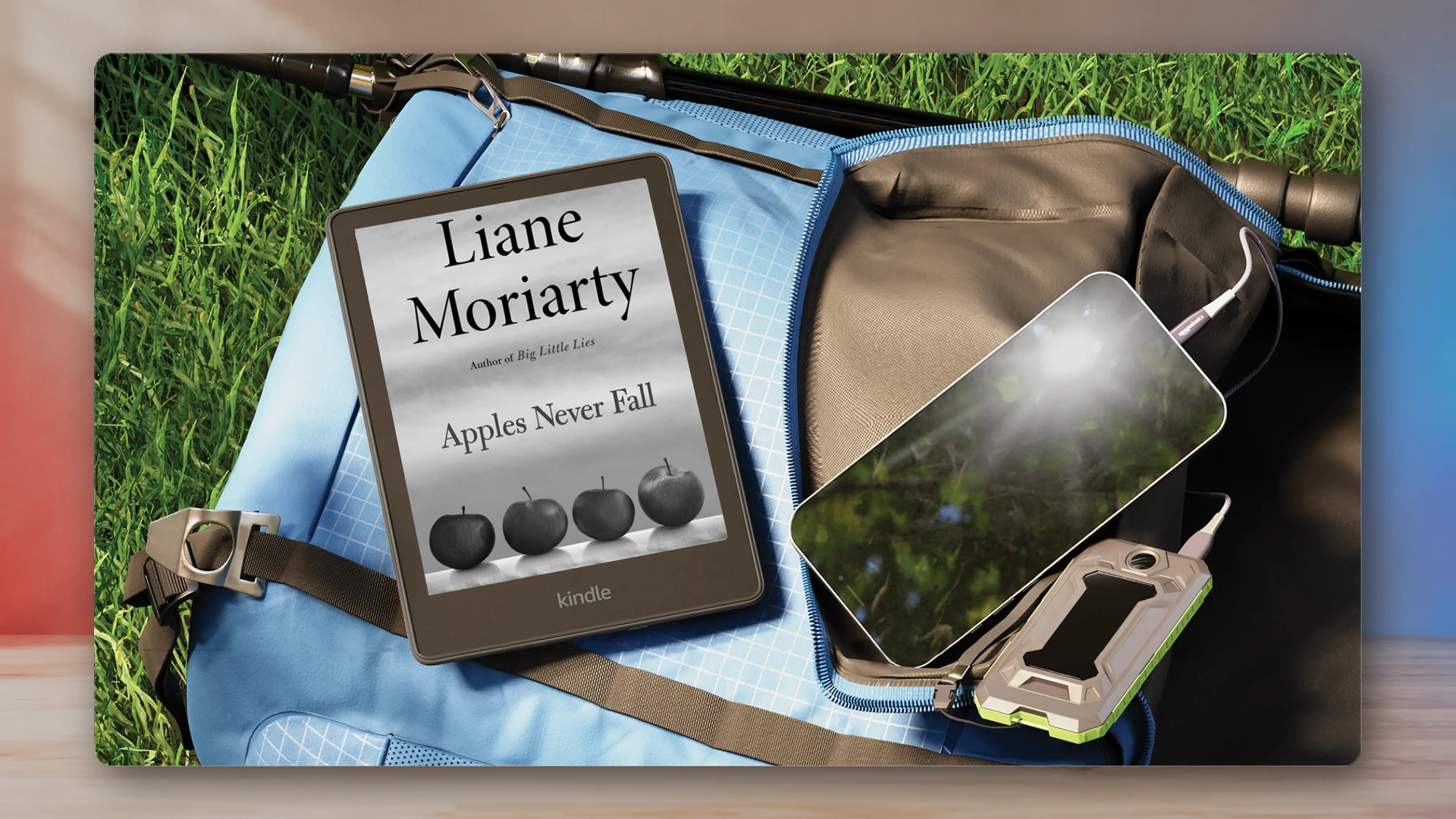
Amazon’s Kindle range now spans compact monochrome readers, waterproof Paperwhite models, color readers, and several large-screen writing devices. That variety is useful, but it also makes old comparisons age quickly. The right Kindle depends on whether you mainly read text, need color, annotate documents, or want a handwriting-first device.
This guide uses Amazon’s official device-identification records as the lineup baseline for August 2026. Retail availability, bundles, and regional names can change, so confirm the generation shown on a product page before buying.
Choose the standard Paperwhite for the safest reading-first option. Choose the base Kindle for the smallest, lowest-cost route. Choose a Colorsoft model only when color matters. Choose a Scribe model when a large writing surface is central to the purchase.
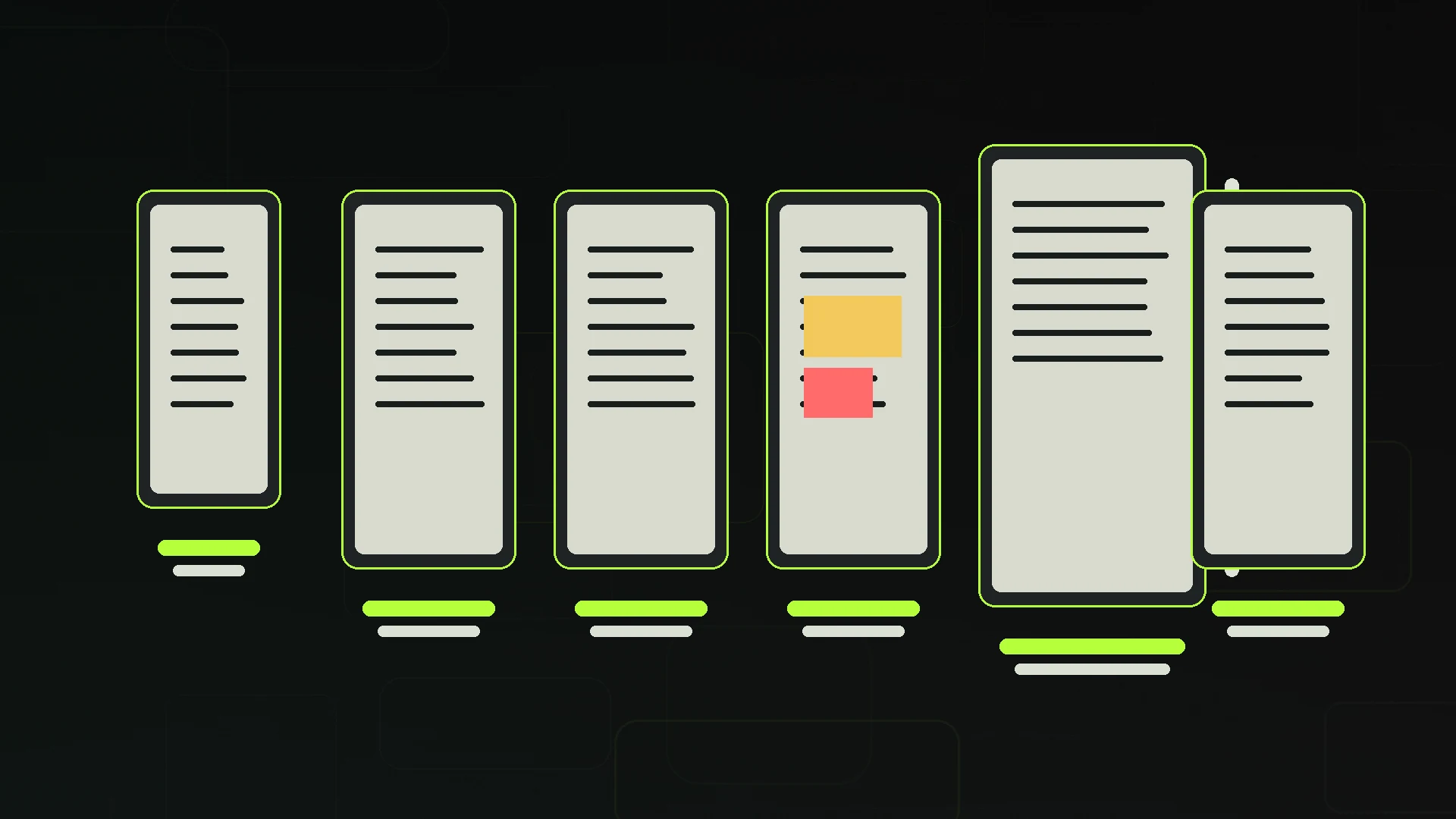
Compare the main Kindle families
Use these sponsored links to check current US availability and pricing after you have chosen the right device family.
The current Kindle lineup at a glance
| Model family | Generation in Amazon’s records | Best fit | Main tradeoff |
|---|---|---|---|
| Kindle | 11th generation, 2024 release | Budget and portable text reading | No warm-light or waterproof upgrade |
| Kindle Paperwhite | 12th generation, 2024 release | Everyday reading with a larger display | Costs more and is larger than the base Kindle |
| Paperwhite Signature Edition | 12th generation, 2024 release | Readers who want the premium Paperwhite extras | The standard Paperwhite covers the essentials |
| Kindle Colorsoft family | Current color-reader family | Comics, illustrated books, and color highlights | Color E Ink is costlier and more muted than an LCD tablet |
| Kindle Scribe | 3rd generation, 2025 release | Large-screen monochrome reading and writing | Less portable than a reading-only Kindle |
| Kindle Scribe Colorsoft | 1st generation, 2025 release | Color documents plus handwriting | Specialized and premium-priced |
| Kindle Scribe without Front Light | 2026 release | Buyers who prefer the front-light-free Scribe variant | Not the default choice for reading in dim rooms |
The Kindle Oasis is not part of that current lineup. Amazon’s identification page places the 10th-generation Oasis in 2019, and current buying decisions should treat it as discontinued or used hardware rather than a modern premium tier.
How to choose the right Kindle
Start with the material you read. Text novels and general nonfiction do not require color. Comics, cookbooks, illustrated books, magazines, and color-coded annotations can make a Colorsoft model worthwhile. Large PDFs and documents benefit more from a Scribe-sized canvas, especially when handwriting is part of the workflow.
Then consider where you read. A compact Kindle is easier to carry. A Paperwhite is the more comfortable all-round reading device for many buyers. A Scribe trades portability for space. If you read in bed or in dim rooms, front lighting and warm-light controls matter more than storage. If you read near water, verify waterproofing on the exact model and generation being sold.
Storage is often less important for text-only libraries than buyers expect. It matters more for audiobooks, comics, PDFs, and image-heavy documents. Wireless charging and automatic light adjustment are convenience upgrades, not reasons to abandon a model that already fits your reading habits.
Reading-first Kindles
Kindle (11th generation, 2024 release)
The base Kindle is the practical choice for readers who want a compact device and do not need the Paperwhite’s comfort upgrades. It is easier to carry and keeps the purchase focused on books rather than premium extras.
- Lower entry price
- Compact travel-friendly body
- Text novels and general nonfiction
- You want warm-light controls
- You need waterproofing
- You regularly read large documents
Kindle Paperwhite (12th generation, 2024 release)
The standard Paperwhite remains the easiest recommendation for regular readers. Its larger reading surface and comfort features are meaningful without pushing the device into a specialist category.
- Daily reading
- A larger screen than the base Kindle
- Warm-light and waterproof reading
- Lowest price matters most
- You need color
- You want pen input
Paperwhite Signature Edition
The Signature Edition keeps the same reading-first shape while adding convenience features such as more storage, automatic light adjustment, and wireless charging. Those upgrades are useful, but they do not change the core reading experience as much as moving from the base Kindle to a Paperwhite.
- Premium Paperwhite conveniences
- Larger local libraries
- Wireless charging
- The standard Paperwhite is already enough
- You need color
- You want a writing tablet
View Kindle Paperwhite Signature Edition on Amazon (paid link)
Colorsoft: buy it for color, not because it is newer
The Colorsoft family adds color E Ink to Kindle reading. That can improve comics, illustrated books, covers, visual browsing, and color highlights. It does not behave like a phone or tablet display: color E Ink is designed around low-power reading, so buyers should expect a different level of saturation and motion.
Color alone does not make a better novel reader. If most of your library is text, a monochrome Paperwhite can deliver the same core reading job for less. The strongest Colorsoft case is a library where visual information appears often enough to justify the price difference.
View Kindle Colorsoft Signature Edition on Amazon (paid link)
Scribe: choose the writing workflow first
Amazon’s current identification records list three newer Scribe branches: the third-generation Kindle Scribe released in 2025, the first-generation Kindle Scribe Colorsoft released in 2025, and the Kindle Scribe without Front Light released in 2026. That makes “the Scribe” a family rather than one current model.
The regular Scribe is the straightforward large-screen monochrome reading-and-writing option. Scribe Colorsoft adds color to that larger canvas. The front-light-free model is a deliberate variant for buyers who want that specific display setup, not an automatic upgrade over the standard Scribe.
All Scribe devices make the most sense when handwriting, document markup, or a larger page is part of the plan. If the device will mostly be used for novels in bed or on a commute, the extra size is usually a disadvantage.
What about the Kindle Oasis?
The 2019 Kindle Oasis still appeals to readers who love physical page-turn buttons and its asymmetric grip. It is nevertheless legacy hardware. Remaining stock and resale listings can carry uneven prices, and the older charging hardware makes it a poor default recommendation in 2026.
Buy an Oasis only when the buttons and shape matter enough to outweigh discontinued status, older connectivity, and uncertain battery condition on used units. Do not treat it as the current premium Kindle simply because older comparisons placed it at the top of the range.
What to buy in 2026
- Buy the base Kindle if price and portability matter most.
- Buy the Paperwhite if you want the safest recommendation for frequent reading.
- Buy the Paperwhite Signature Edition for its convenience extras, not for a fundamentally different reading experience.
- Buy from the Colorsoft family only if color is important to the material you read.
- Buy a Scribe when handwriting, annotation, or large documents justify the bigger device.
- Buy an Oasis cautiously as a legacy button-focused option, not as part of the current lineup.
For fantasy readers building a digital library, pair the hardware decision with the NexusArc guide to fantasy books like The Lord of the Rings. The best e-reader is ultimately the one that removes friction from the kind of reading you already do.
Sources
Harry Negron
Harry Negron leads NexusArc's editorial direction across games, player culture, gear, and technology.