

Why PC Games Compile Shaders—and Why Shader Stutter Happens
A practical explanation of shaders, pipeline state, cache invalidation, first-run compilation, background compilation, and Microsoft’s Advanced Shader Delivery approach.
What a shader does
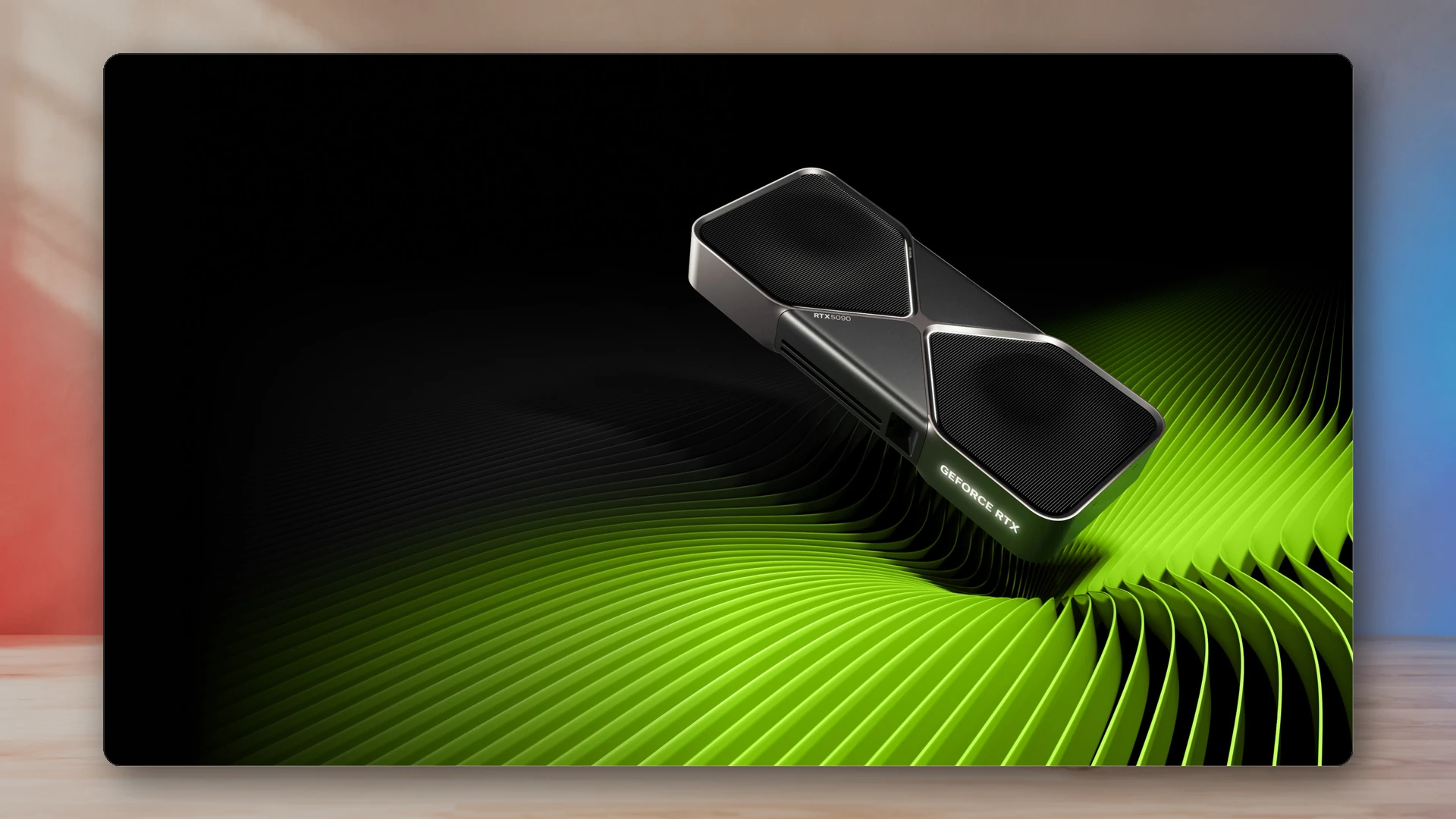
A shader is a program executed by the GPU to control work such as transforming geometry, calculating pixel color, processing lighting, or running compute tasks. A modern game can contain many shader combinations because materials, lights, effects, quality levels, and rendering paths change the code and state the GPU needs.
Why PC compilation is complicated
Consoles use a small number of fixed hardware and software targets. PCs combine many CPUs, GPUs, driver versions, operating-system builds, and settings. A game developer can ship high-level shader code or intermediate data, but the final hardware-specific instructions still depend on the machine and driver.
Direct3D 12 uses pipeline state objects that bundle shaders and related fixed state into immutable objects. Creating the needed pipelines can be expensive if it happens while the player is moving through a new scene.
What shader stutter looks like
Shader-compilation stutter appears as a sudden frame-time spike when a game encounters a pipeline or effect that is not ready. The average frame rate may still look high, but one long frame interrupts motion. The first explosion, new enemy effect, weather change, or area transition can trigger the hitch.
The same scene may run smoothly on a second visit because the compiled result has been cached.
Why caches can be invalidated
A shader cache is tied to assumptions about the game, driver, hardware, and compilation path. A graphics-driver update can invalidate cached results because the compiler or generated hardware instructions changed. A game patch can do the same by changing shaders or pipeline definitions.
That is why a game may rebuild shaders after an update even when nothing is wrong. Deleting caches as a routine “optimization” can make the next session worse because it forces the work to happen again.
Common compilation strategies
- Up-front compilation: the game waits at launch and compiles a large known set.
- Background compilation: work happens while menus or early scenes are active.
- Just-in-time compilation: a pipeline is created when first needed, with the greatest stutter risk.
- Downloaded cache: precompiled data is delivered for a known hardware/compiler combination.
- Hybrid approach: critical pipelines are prepared early and rare combinations compile later.
Microsoft Advanced Shader Delivery
Microsoft introduced Advanced Shader Delivery to move more compilation work away from the player’s device. The system packages game shader data in a standardized database, combines it with separated compiler information in the cloud, and distributes a precompiled shader database alongside the game for supported Windows Store delivery.
The goal is to reduce first-run compilation time and stutter, then refresh the cache when a driver update requires it. Adoption depends on platform, store, developer integration, and hardware-partner support, so it is not a universal fix for every PC game.
What players can do
- Let an explicit shader-compilation step finish before playing.
- Keep enough free storage for caches and game updates.
- Use current stable graphics drivers, but avoid reinstalling drivers repeatedly without a reason.
- Do not delete shader caches as routine maintenance.
- After a major update, expect the first session to rebuild some data.
- Distinguish shader stutter from traversal stutter, storage stalls, network lag, or CPU bottlenecks.
Why a faster GPU does not always solve it
A powerful GPU can render frames quickly once the pipeline exists, but compilation may involve CPU work, driver work, storage access, and synchronization. A system capable of very high average frame rates can still show a large one-time spike when a new pipeline is created.
How to diagnose the problem
Use a frame-time graph rather than only an FPS average. If the hitch happens once when an effect first appears and not on the second run, shader or pipeline compilation is plausible. If the hitch repeats at the same world boundary, asset streaming or traversal may be more likely. If it follows network events, the issue may not be rendering at all.
The NexusArc takeaway
Shader compilation is not evidence that a game is “installing graphics” in a vague sense. It is the process of turning game rendering programs and pipeline state into forms the current GPU and driver can execute efficiently. The best solutions prepare that work before the player needs it. The worst solutions hide it inside the first playthrough.
Place shader hitches inside a complete stutter diagnosis
A first-encounter compilation spike is only one possible cause. Follow How to Diagnose PC Game Stutter to compare repeated routes, traversal boundaries, VRAM pressure, CPU scheduling, and thermals. Use the Frame-Time and FPS Converter to express the slow frame in milliseconds. Power is rarely the cause of one repeatable shader hitch, but the PC Power-Supply Estimator can document the build’s planning envelope when stability symptoms include resets or clock changes.
Sources
- Introducing Advanced Shader DeliveryMicrosoft DirectX Developer Blog
- Pipelines and shaders with Direct3D 12Microsoft Learn
NexusArc Staff
NexusArc Staff publishes desk-written reporting, guides, updates, and service information prepared by the NexusArc editorial team.